CloudInfra Appliance Manager
CloudInfra Appliance Manager assesses a Linux host against a set of security controls, explains what it found, and — when you approve it — fixes what is wrong without breaking what is working.
It ships as a family of AWS Marketplace AMIs, each with one application already installed and under management. NGINX is available now; GitLab and Redis follow. The appliance is the same in all of them — only the managed application differs.
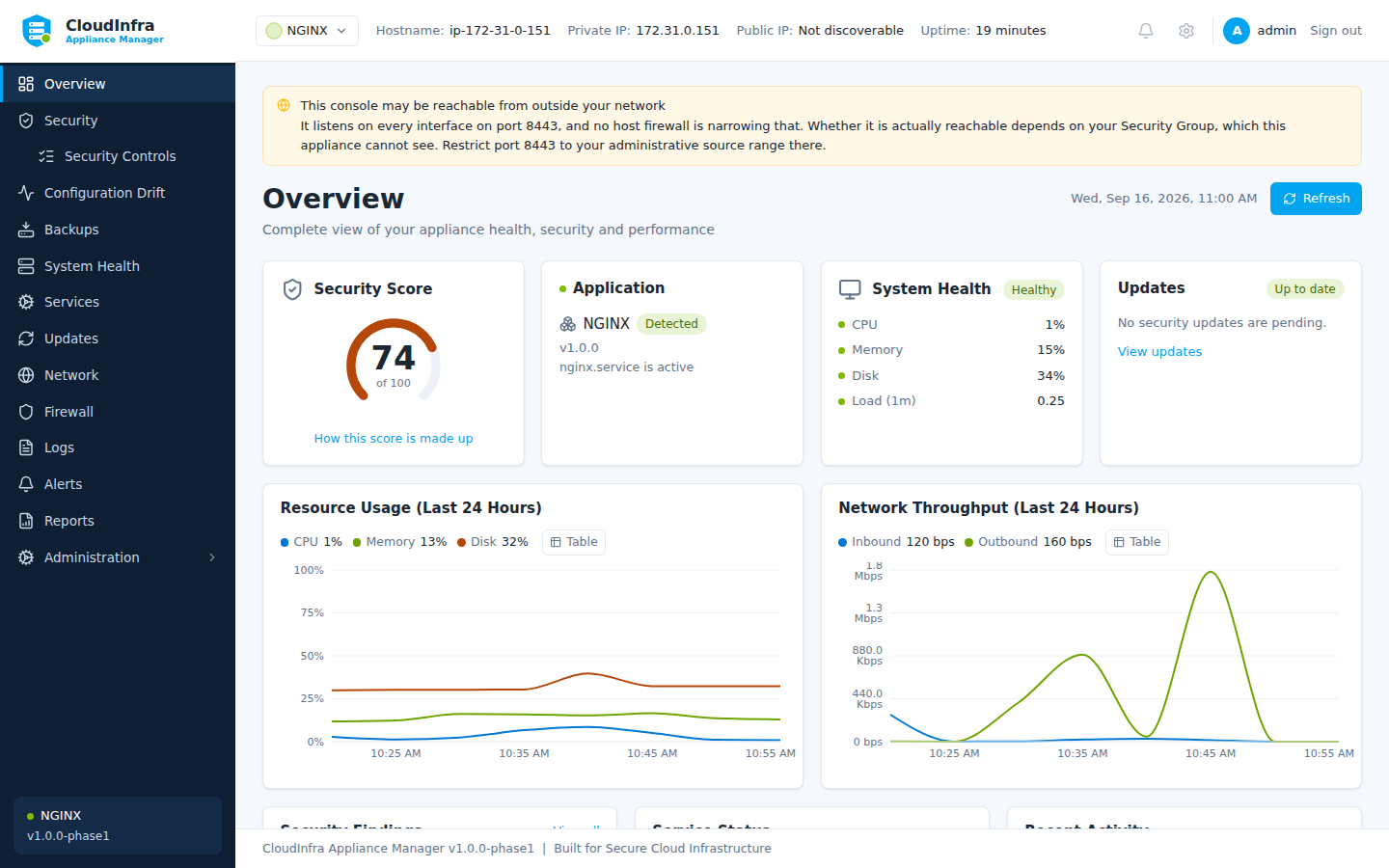
The overview: the security score, the application being managed, host health, and whether the console may be reachable from outside your network.
What it does
-
Assesses
43 controls on any Linux host, plus the ones its application module brings - 5 for NGINX, 9 for GitLab - across SSH, accounts, networking, the filesystem, services, updates and the application itself. Every verdict names what was observed and where.
-
Remediates
Changes are previewed before they are made, backed up before they are applied, and validated afterwards. A change that cannot be completed is undone.
-
Watches for drift
Tells you when a file it is responsible for has changed since you last agreed it, shows what changed, and offers to put it back.
-
Protects your access
A firewall change that would disconnect you is refused, or made behind a timer that undoes it if you do not confirm you are still connected.
What it does not do
It is not a VM backup product. The backups it takes are configuration files — enough to undo a change it made, not enough to rebuild a machine.
It does not make changes on its own. Nothing is applied without an administrator approving the specific change they were shown.
It does not open its own management port. The console listens on TCP 8443, and restricting access to it is your responsibility — see Installation.
Start here
- Installation — launching the appliance and reaching the console
- First boot — what happens the first time it starts, and creating the administrator
- Quickstart — your first assessment and your first fix
Need a hand? Contact Cloud Infrastructure Services, and see Support for what to send with a request.