Services and health
Services
Services lists the units the appliance watches, with their state, memory use and uptime, and lets you start, stop and restart them.
Some units cannot be stopped from the console:
| Unit | Why |
|---|---|
ssh.service |
Stopping it may remove your only way back in |
cloudinfra-agent |
Nothing privileged could happen afterwards |
cloudinfra-manager |
It is the console you are using |
The agent refuses these regardless of what the console offers, so the buttons are disabled and explain themselves rather than being offered and then refused.
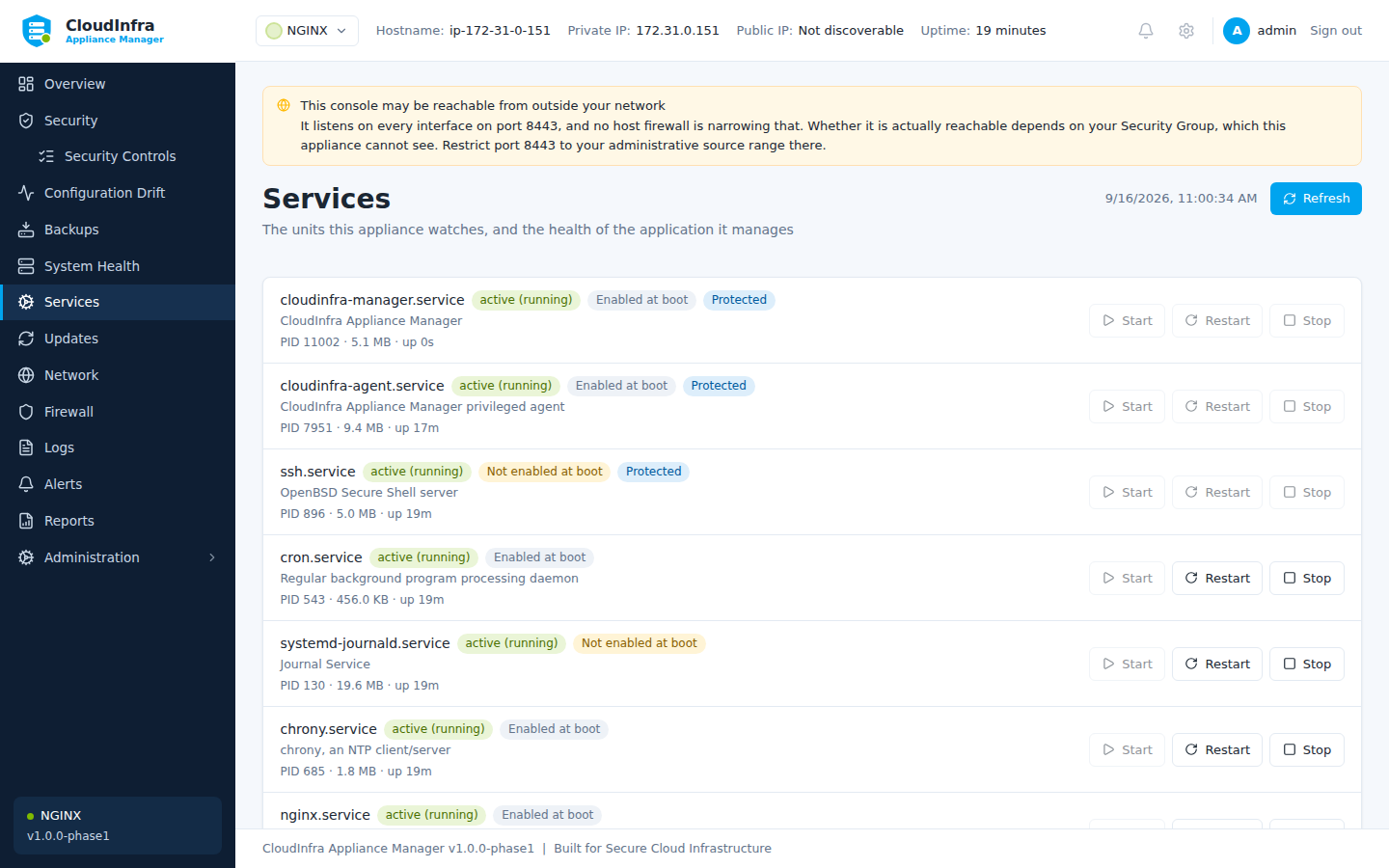
Watched units, with the application module's own health and metrics beneath them.
Application health
Where a module reports health, it appears on this page. This answers a different question from "is the process running".
For NGINX:
Service — whether it is running, and separately whether it is enabled. Running but not enabled means a site that works now and is gone after the next reboot.
Loaded configuration — whether the running process is using the configuration that is on disk. NGINX does not reload when its file changes, so an administrator who edits a config and does not reload leaves a server that passes every service check while serving the version from before the edit — including, if the edit was a security fix, the version the fix was meant to remove.
A check that could not be run reports unknown, never ok. A check that did not run has not passed.
Appliance health
System Health covers the appliance's own resources: CPU, memory, disk and filesystems.
If the banner says the privileged agent is not responding
The console keeps working and keeps showing host facts, but they are the last ones collected, not the current state. No change can be applied until the agent returns.