Updates
Updates shows pending package updates, and can install the security ones.
Checking
Check for updates refreshes the package lists and reports what is pending, split into security updates, operating system updates and application updates.
If the lists could not be refreshed, the appliance says so and reports from the cached lists rather than presenting a stale reading as current.
Every pending package is named with its installed and available versions. "Three updates available" with no detail is not something you can act on or verify.
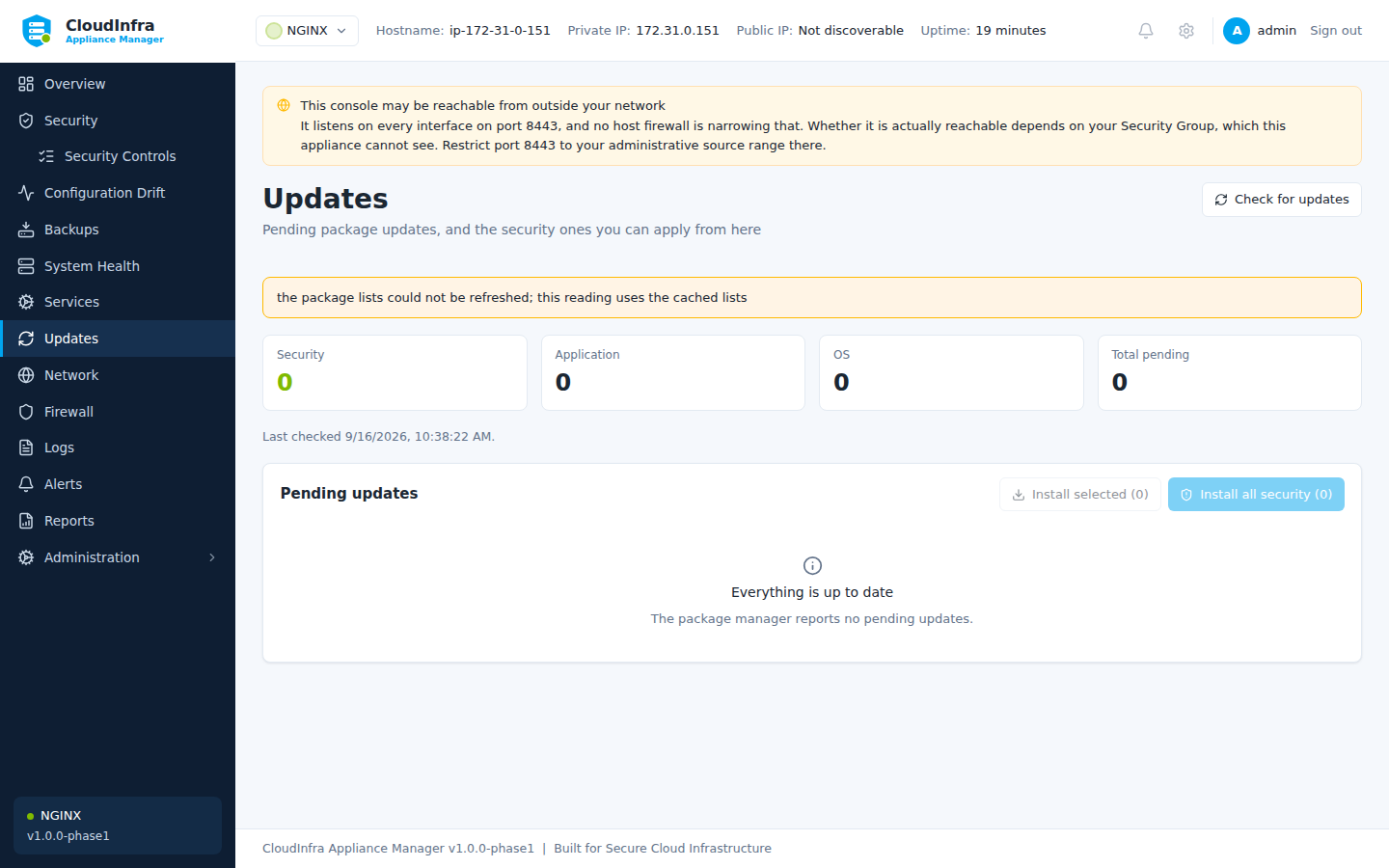
Pending updates, each named with its installed and available version.
Installing
Install security updates upgrades the packages reported as security updates.
| Upgrades existing packages | Yes |
| Installs new packages | Never |
| Reboots | Never |
The appliance decides nothing about when your instance restarts. If an update needs a reboot to take effect, it says so and leaves it to you.
Package operations take minutes. The job reports progress and the result is recorded in the audit log.
Reboot required
When a pending reboot is detected, a banner says so and stays until the instance restarts. It is not dismissible — a pending reboot describes a state the machine is actually in, and hiding the banner would not change it.