Reports
A report is a document describing this appliance's security posture, for somebody who is not looking at the console — an auditor, a customer, a change record.
Generating
Reports → Generate, then choose a format:
| Format | For |
|---|---|
| Attaching to an audit or a review | |
| HTML | Reading in a browser, or embedding |
| JSON | Feeding another system |
| CSV | Spreadsheets |
Reports are generated on the appliance and stored on it. They are not sent anywhere.
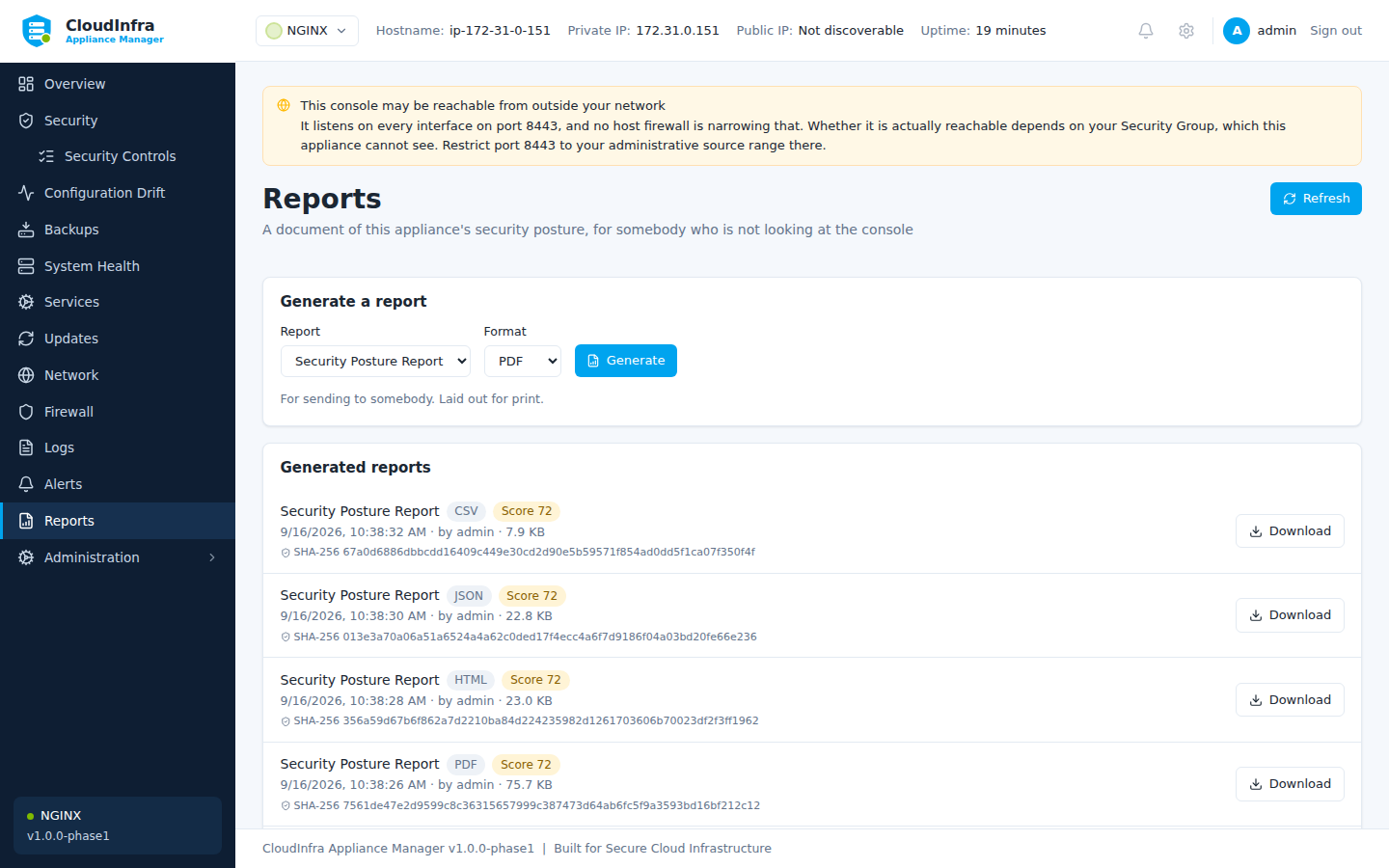
Generated reports, ready to download. They are stored on the appliance and sent nowhere.
What is in one
- The score and how it was reached
- Every control, its verdict, and the evidence behind it
- Remediations applied in the period, and their outcomes
- Drift detected, and what was done about it
- The appliance's identity and version
Redaction
Reports are redacted at the point they are built, not when they are displayed. A value masked in the console is masked in the PDF, because a report is the artefact most likely to leave the appliance and be attached to an email.
Read before you send
Redaction recognises credential-shaped text. It cannot recognise a secret that looks ordinary — a hostname you would rather not publish, an internal path, a customer name in a comment. Treat a report as something to review before it leaves your organisation.