Users and roles
Administration → Users manages accounts.
Roles
| Role | Can |
|---|---|
| Administrator | Everything, including managing users |
| Operator | Operational actions; limited security and administration changes |
| Viewer | Read only |
Roles are enforced on the server. The console hides what an account cannot do, but hiding it is a convenience — the appliance refuses the action regardless of what the interface offered.
Adding an account
Give a username, a display name, a password and one or more roles. Accounts are local to the appliance; there is no directory integration in this release.
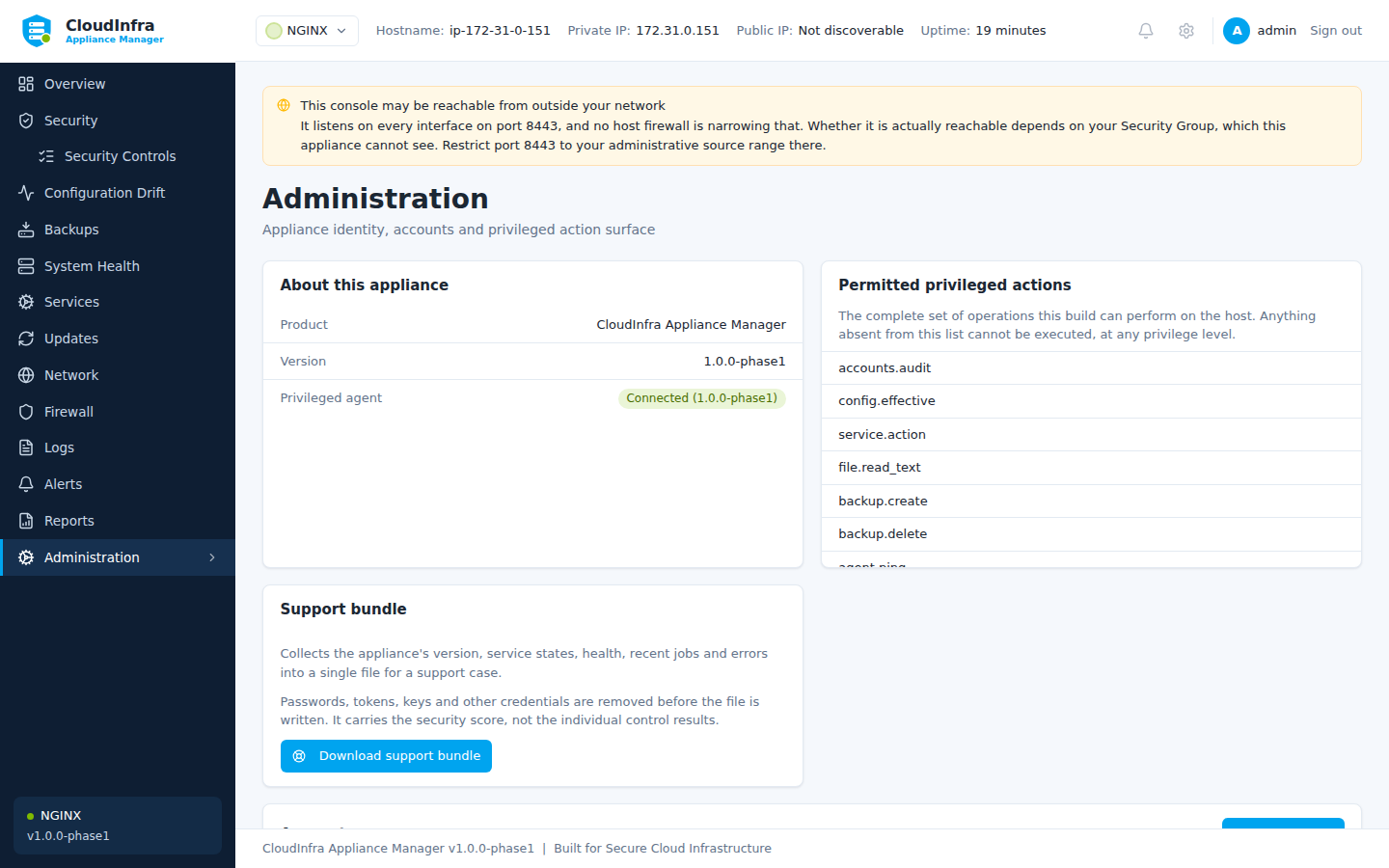
Accounts, roles, appliance identity and the audit log.
Sessions
| Session lifetime | 12 hours |
| Idle timeout | 60 minutes |
| Sign-in rate limit | Per source address |
| Lockout | After repeated failures |
A locked-out account refuses the correct password too. A lockout that still accepted the right password would not be a lockout, it would be a hint that the previous guesses were wrong.
Rate limiting is per source address, so several failed sign-ins from one place will briefly slow down anyone else signing in from the same address.
Audit
Every privileged action is recorded: who, what, when, the outcome, and a correlation ID that ties the console request to the privileged operation that resulted.
The agent also keeps its own journal, written independently of the appliance's database, so a compromised console cannot erase the record of what it asked for.
Administration → Audit shows the log. It is append-only and cannot be edited from the console.